Send an Email to Everyone Within Your Organization
Send one email to everyone in your organization using the Global Address List in webmail.
Step 1: Start a new message
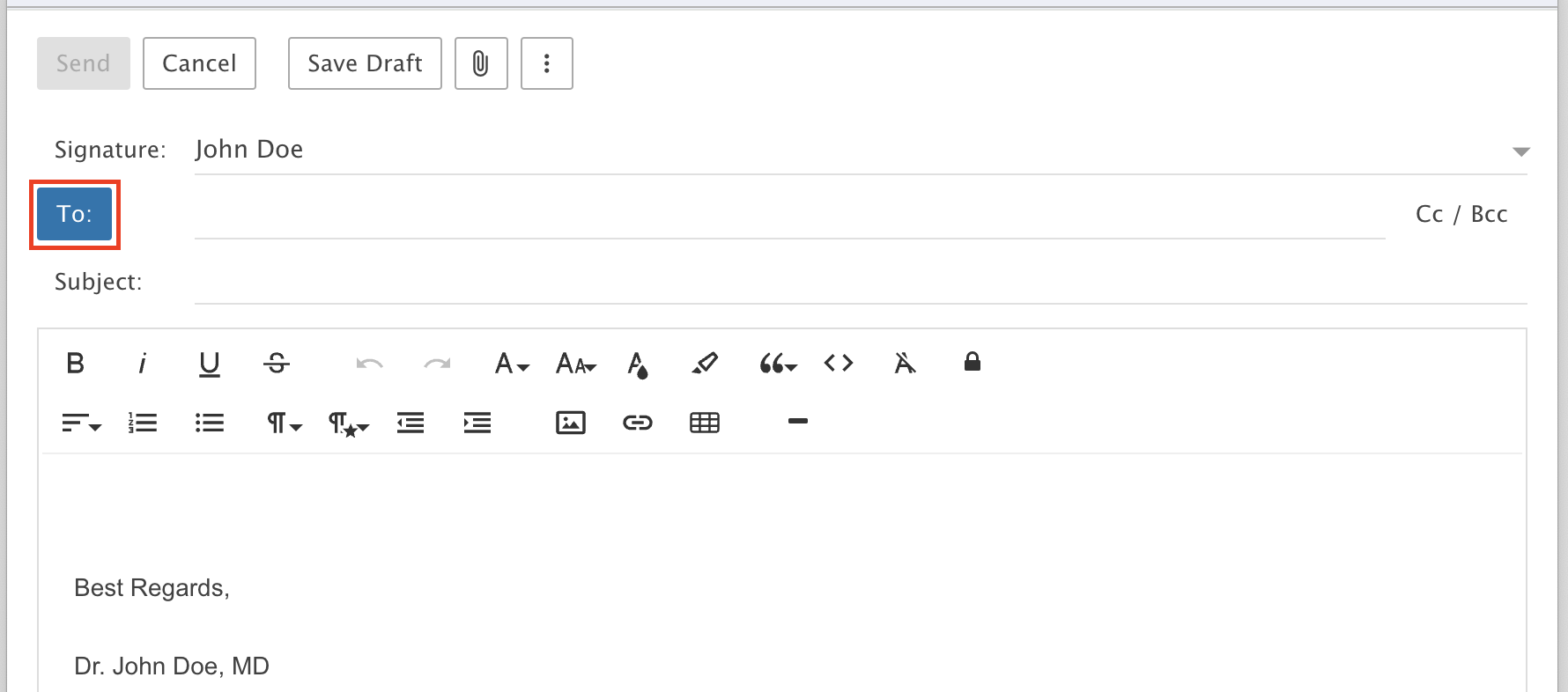
Compose a new message and click the To icon.
Step 2: Select everyone
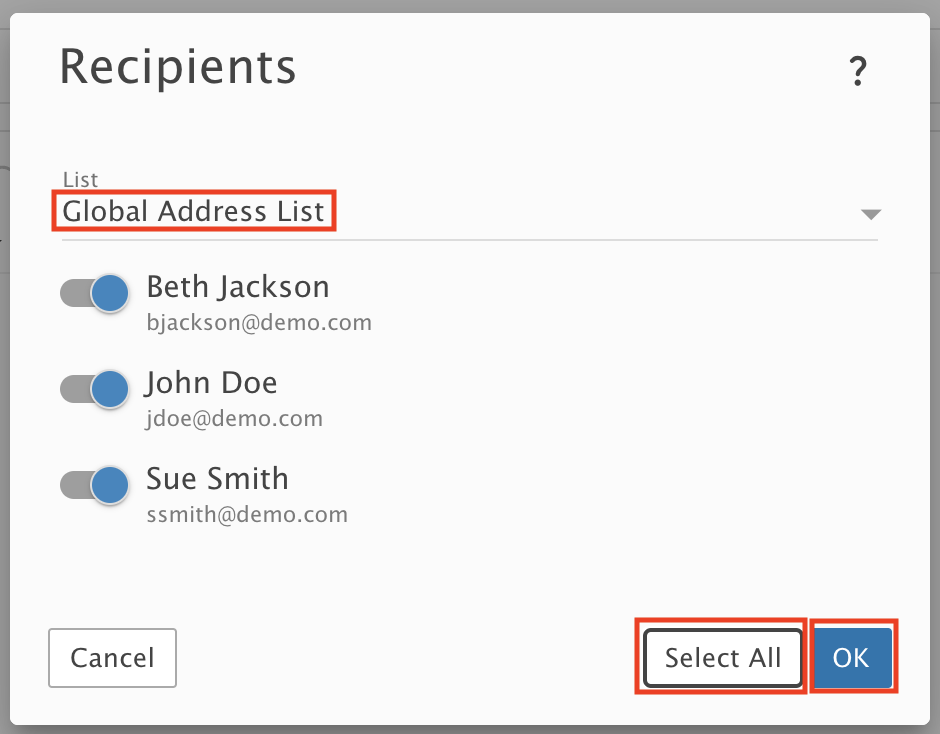
From the drop-down list, choose Global Address List. Click Select All, then click OK.
Step 3: Write and send
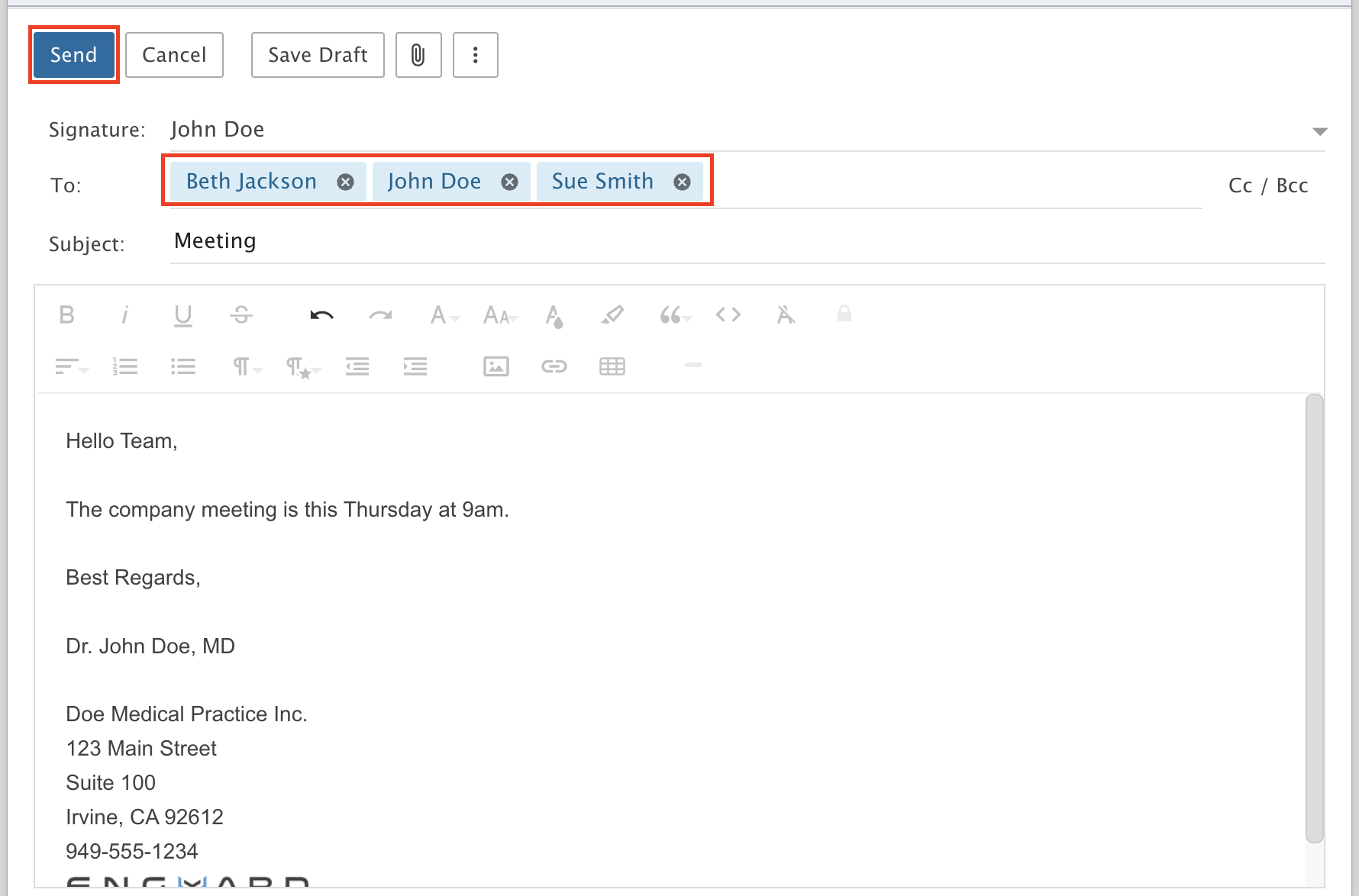
Everyone is now filled in on the To line. Write your message and click Send.