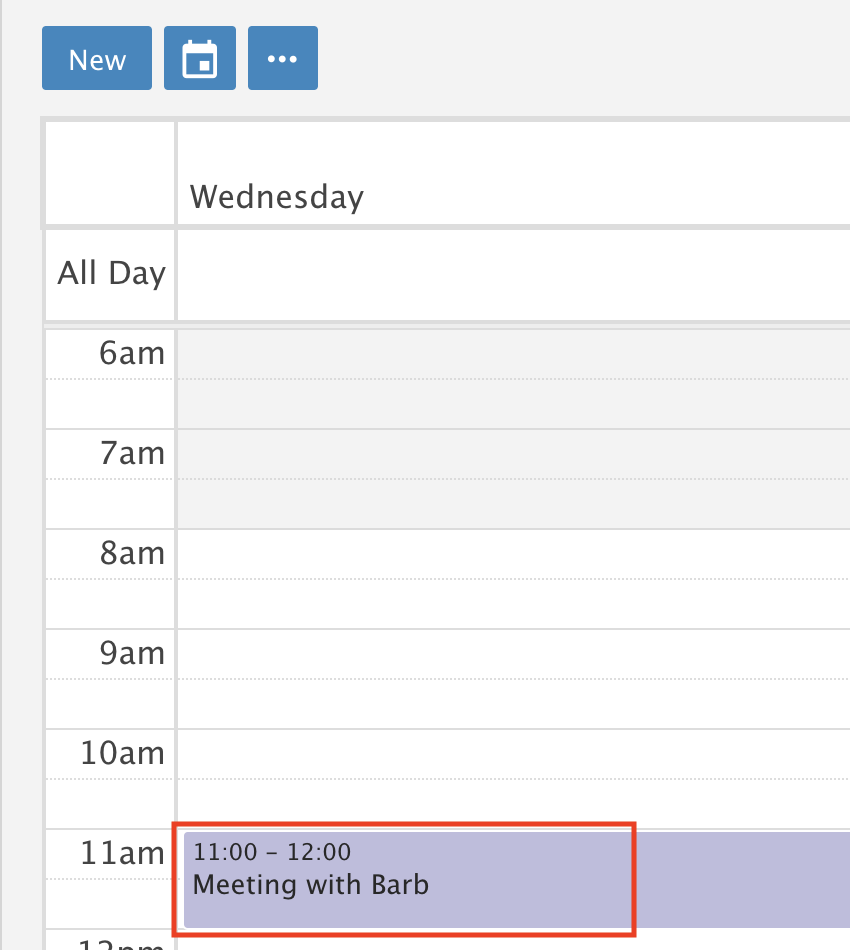
Drag and Drop Appointments in Calendar
Move an appointment by dragging it in Month, Week or Day view.
Month view
Drag and drop an appointment from one day to another.
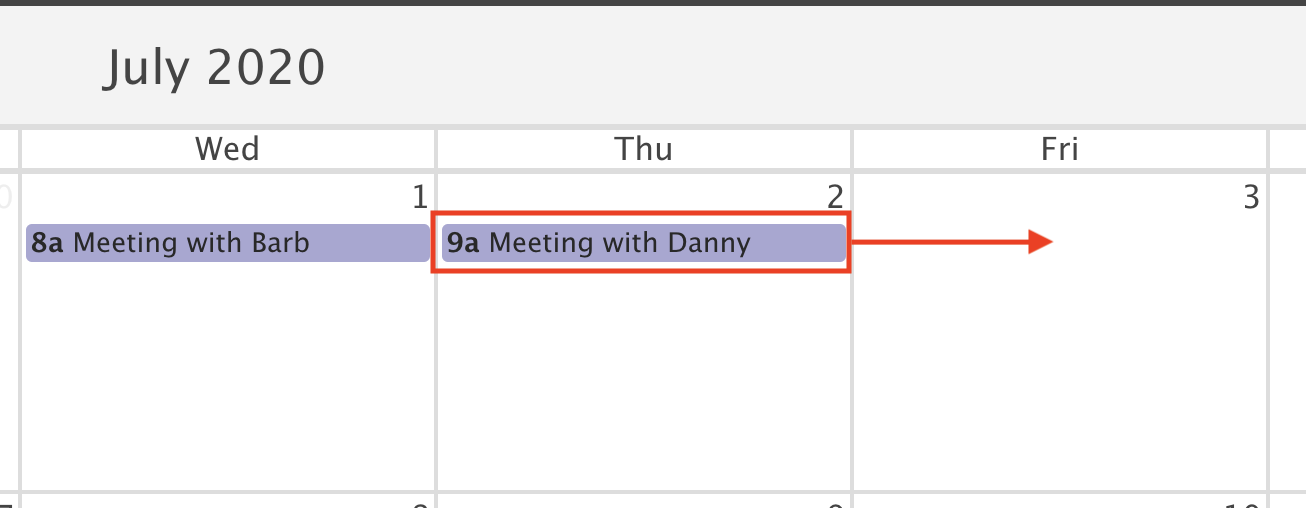
The appointment moves to the new day right away.

Week view
Drag and drop an appointment from one day to another.
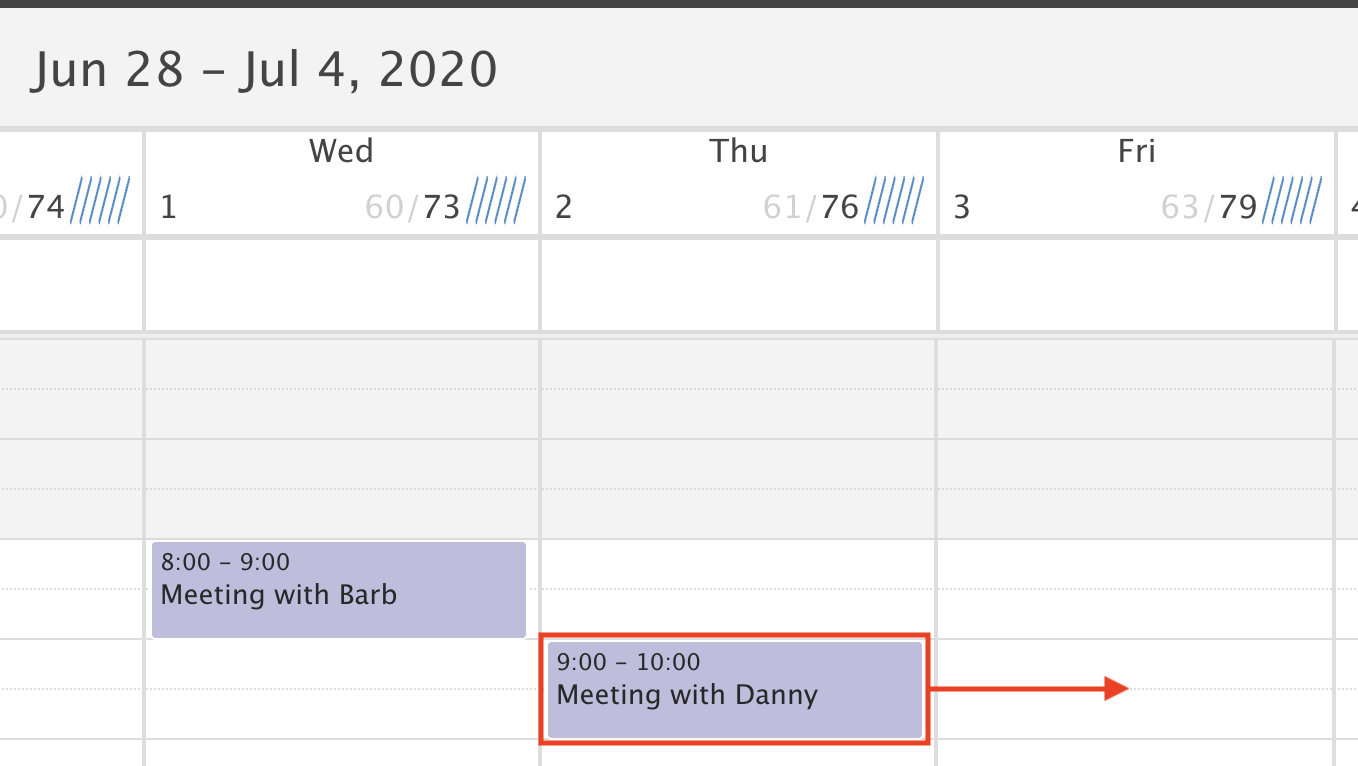
The appointment moves to the new day right away.

Day view
Drag and drop an appointment from one time slot to another.
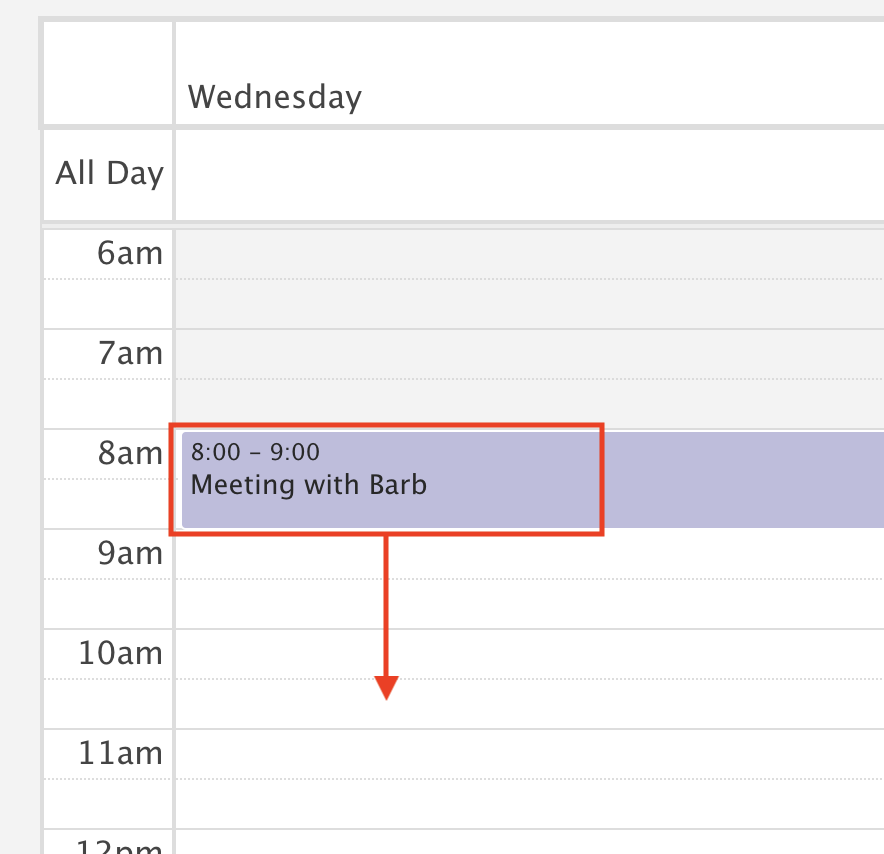
The appointment moves to the new time right away.