Quickly Select a Month in Calendar
Jump to a month in Calendar.
Step 1: Open Calendar
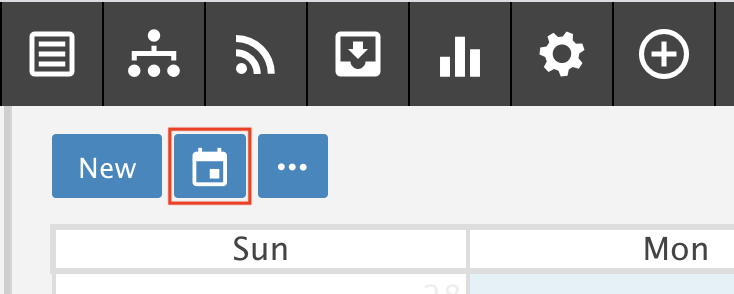
Click the Calendar icon.
Step 2: Pick a month
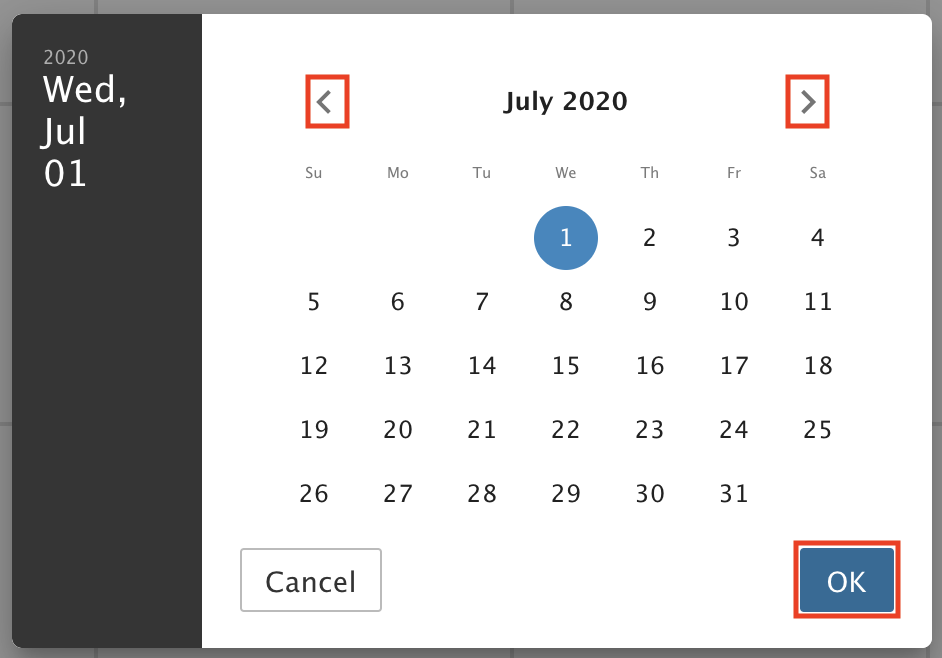
Click the left or right arrows to scroll through the months.
When you reach the month you want, click OK.


Jump to a month in Calendar.
Click the Calendar icon.
Click the left or right arrows to scroll through the months.
When you reach the month you want, click OK.
Tell us what you were trying to do and our team will help you.