Search for an Appointment in Calendar
Find an appointment in your calendar.
Step 1: Skip the advanced search
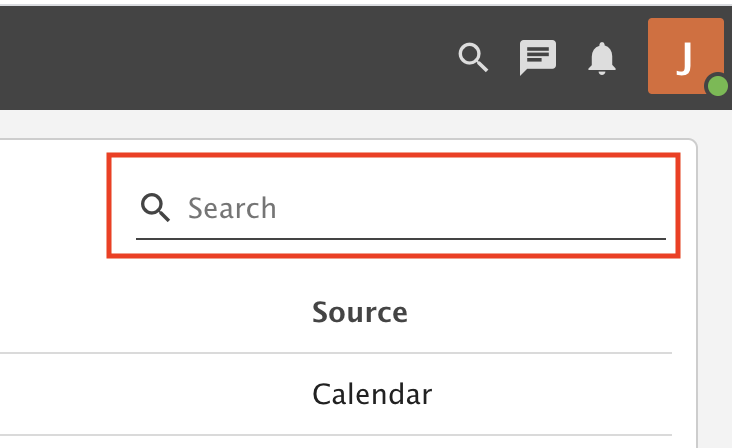
Webmail has an advanced search in the top right menu. We do not recommend it. It searches everything, takes longer and gives less accurate results.

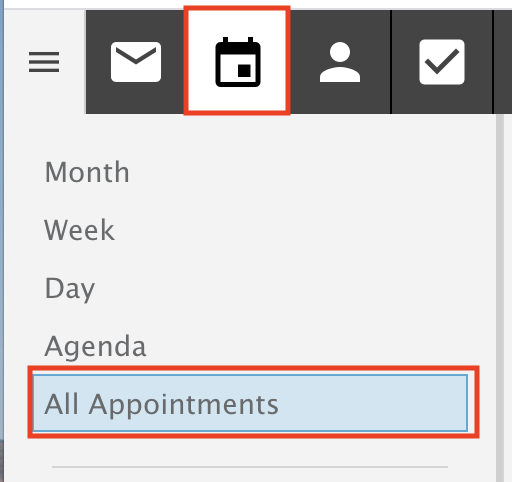
Step 2: Open All Appointments
Go into the All Appointments view.
Step 3: Search
On the top right, type a search term and press Enter.
The search goes through all the appointments in your calendar. If you have a lot, it can take a bit longer.