Open a Shared Calendar in Outlook 2019
Open a calendar that someone shared with you in Outlook 2019.
Step 1: Choose Open Shared Calendar
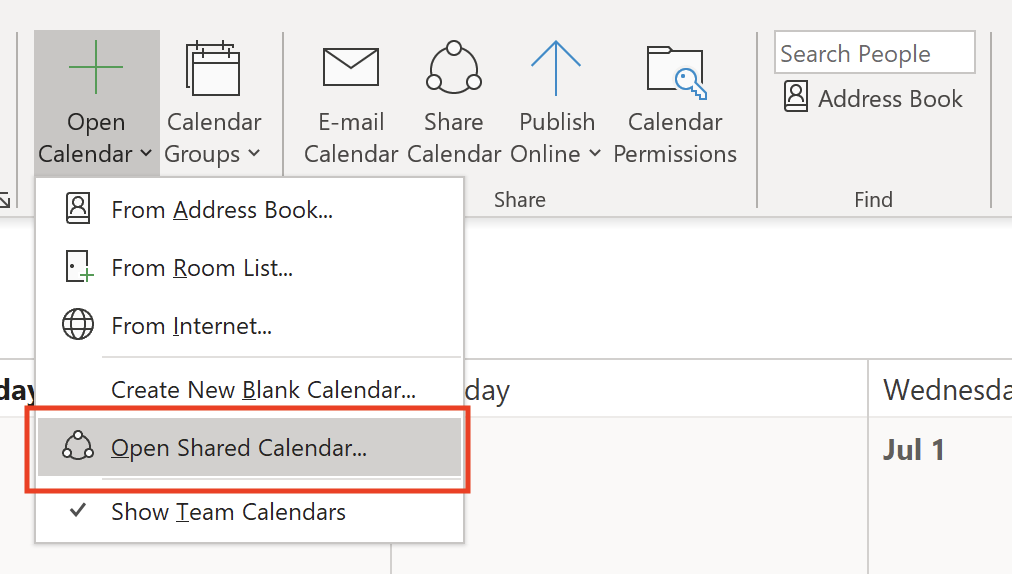
Click the Open Calendar drop-down and select Open Shared Calendar.
Step 2: Click Name
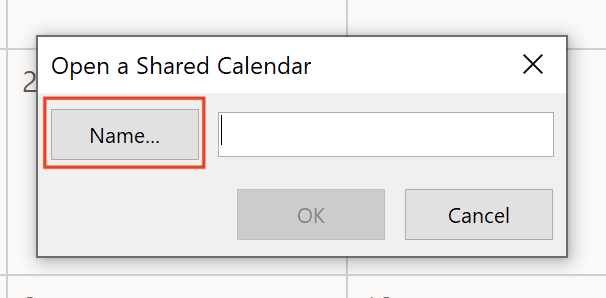
Click Name.
Step 3: Pick the person sharing with you
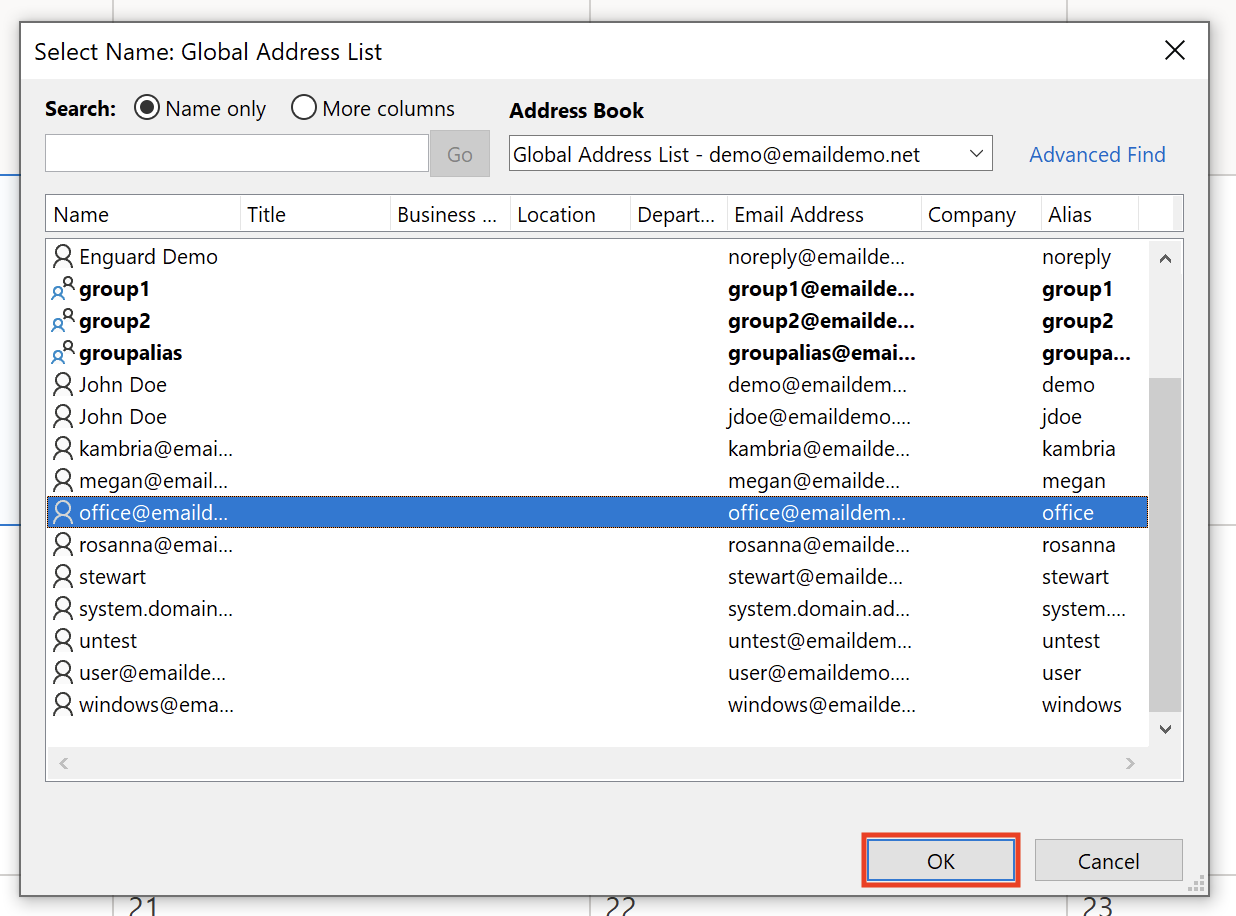
From the Global Address List, select the user who is sharing the calendar with you. Click OK.
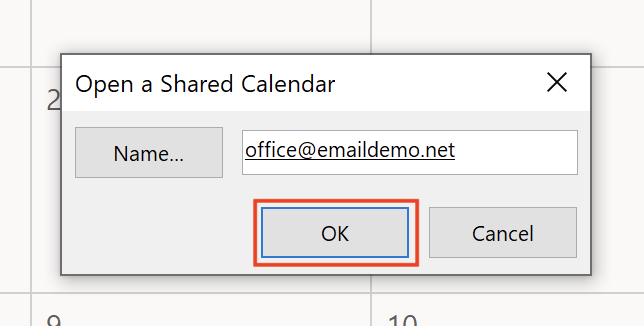
Step 4: Click OK
Click OK.
Step 5: Check your calendar
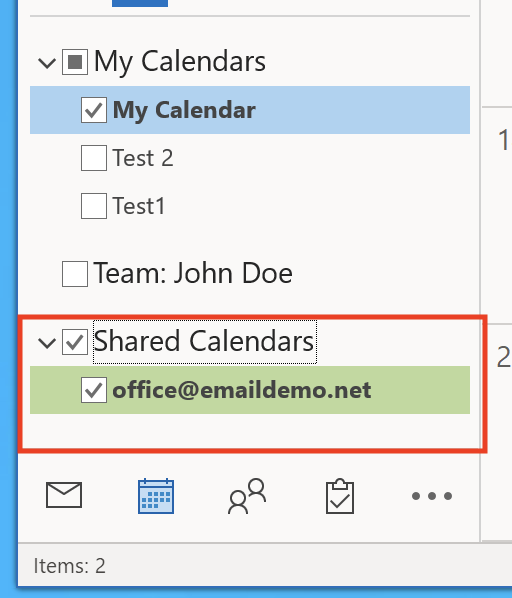
The shared calendar is now showing.