Creating a Disposable Address
Make a temporary email address that forwards to your inbox and expires on its own.
A Disposable Address is a randomly generated address that is completely separate from your email address. It works like a timed alias. It forwards mail to the folder you choose, for as long as you choose.
When the time is up, the address stops working and mail sent to it bounces back to the sender.
Use it for a temporary sign-up, or whenever you do not want to give out your real email address and get flooded with spam.
Step 1: Open Disposable Address
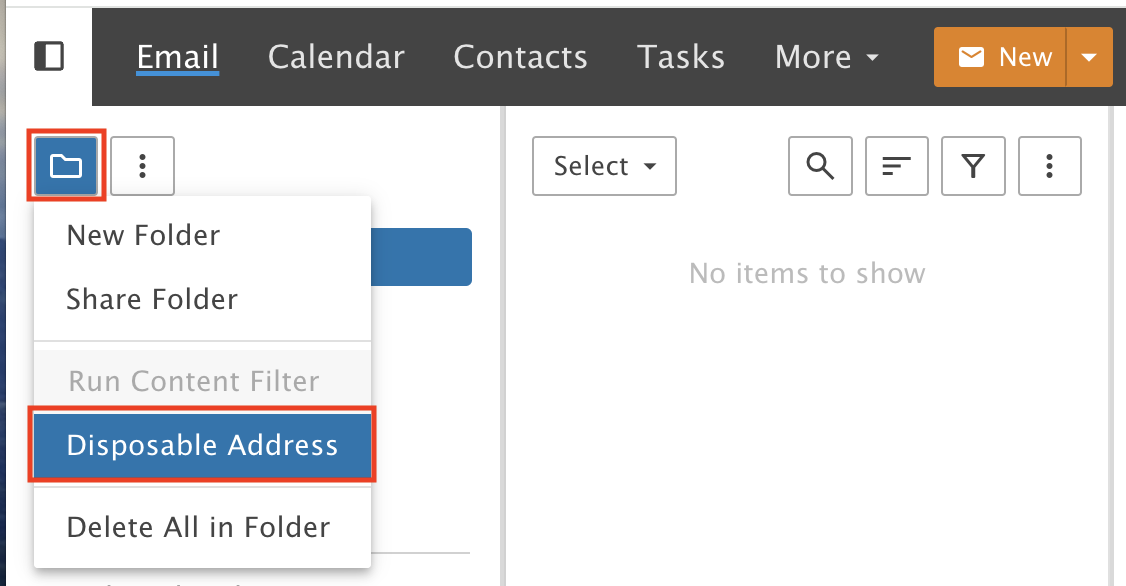
In the email section, click the Folder Icon above the default folders and select Disposable Address.
Step 2: Pick a folder and a time limit
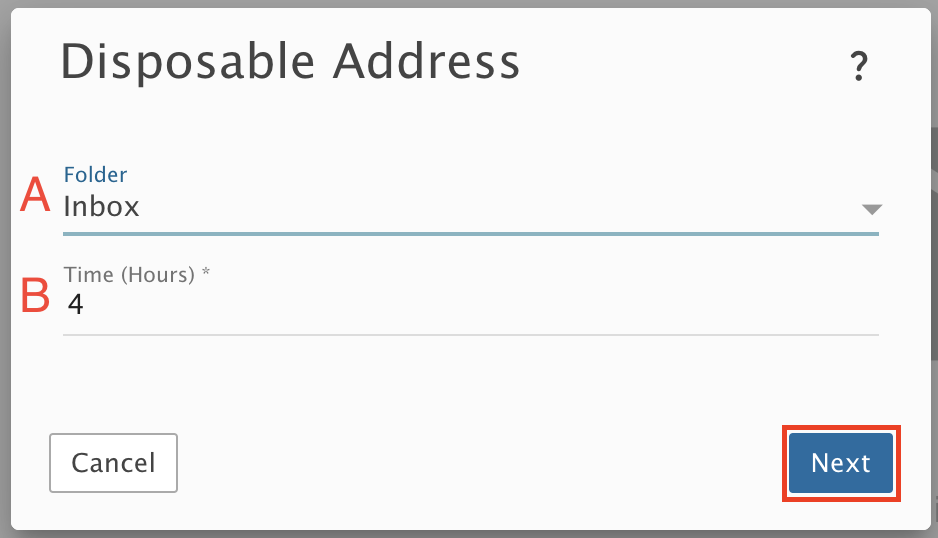
Choose which folder gets the messages, and how long the alias should work. In this example we picked the Inbox (default) and 4 hours (default).
A) Select a folder from the drop-down, or leave it as Inbox.
B) Set a time limit for the address, in hours.
Click Next.
Step 3: Copy the address
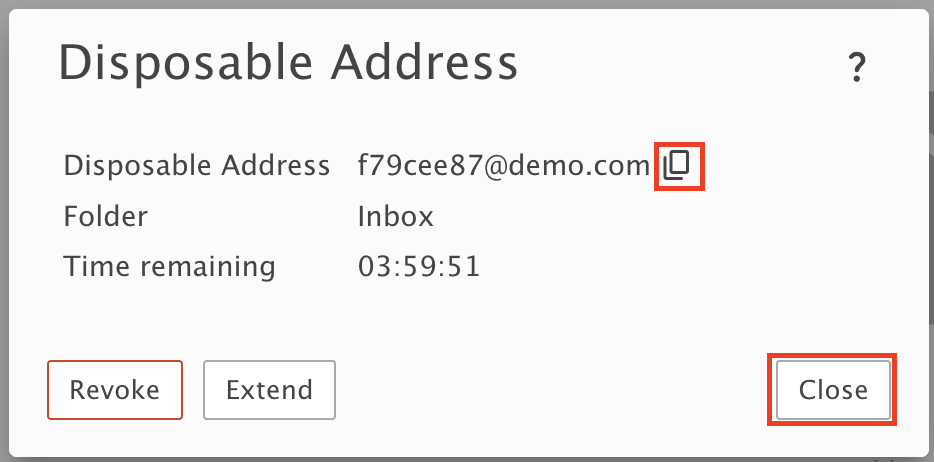
Click the copy icon to copy the generated address, then click Close.
Step 4: Use it
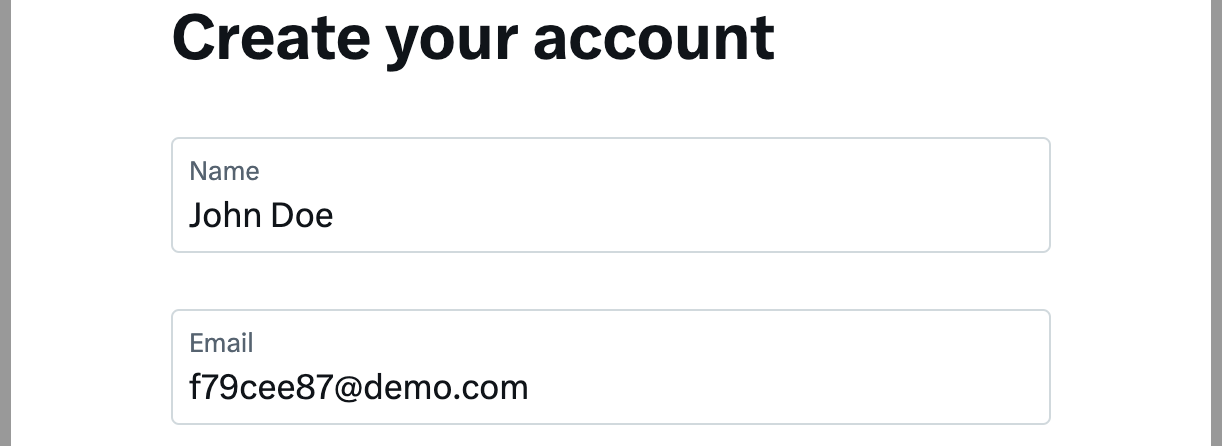
Paste the disposable address on any website.
Make it last longer
Step 5: Open the address
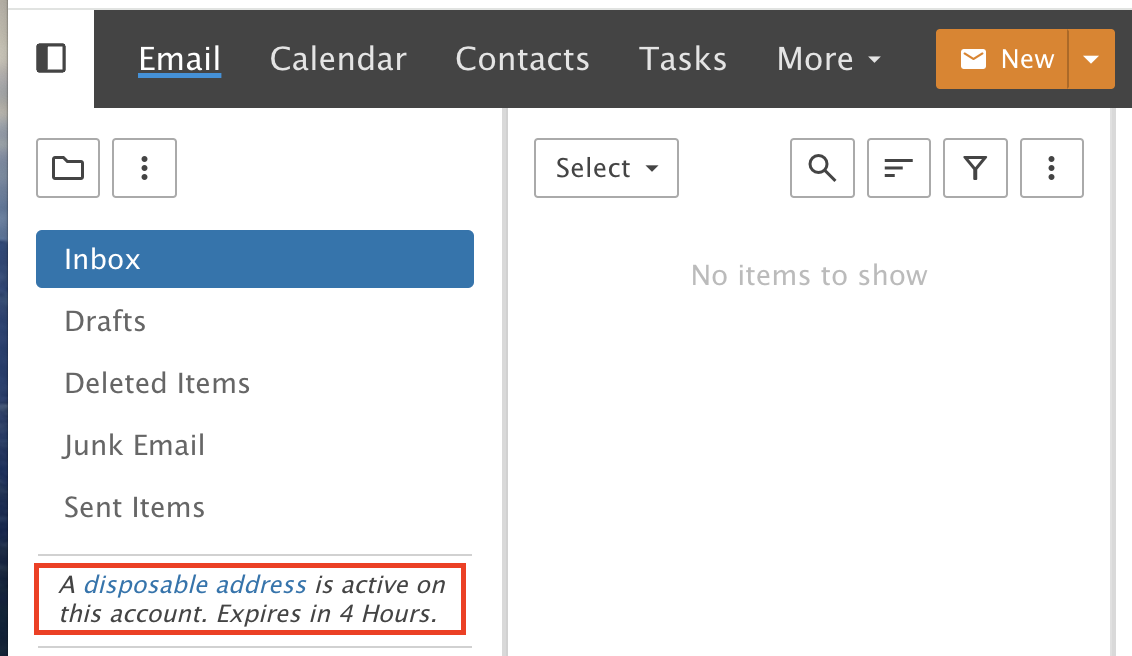
Click the disposable address link under your default folders.
Step 6: Extend it
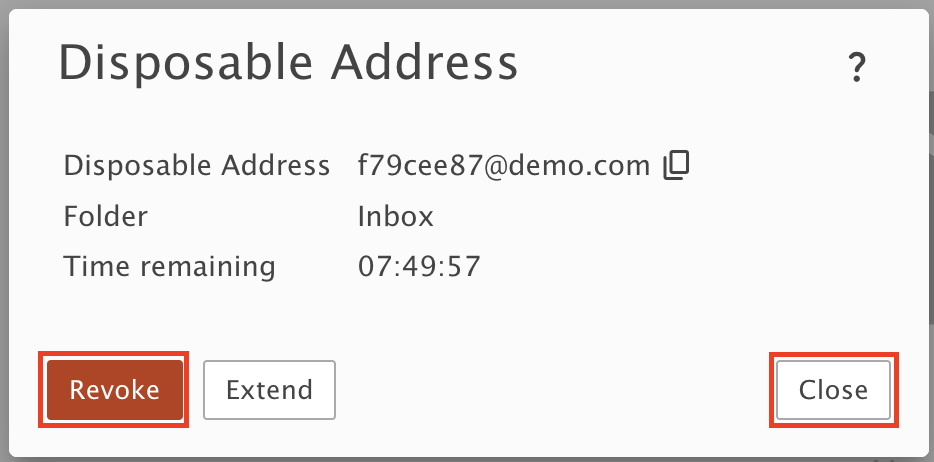
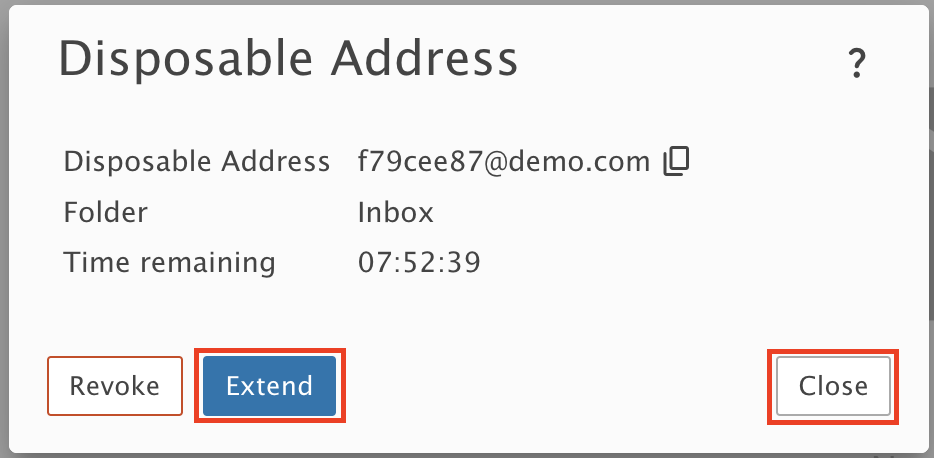
Click Extend, then Close. For example, if you picked 4 hours, this adds another 4 hours.
Delete it right away
Step 7: Revoke it
If you are done with the alias and want it deleted right away, repeat Step 5, click Revoke, then click Close.