Create additional Administrators
Invite another administrator to My Account.
Administrators have full permission to create, change and delete anything in My Account.
Step 1: Open User Management
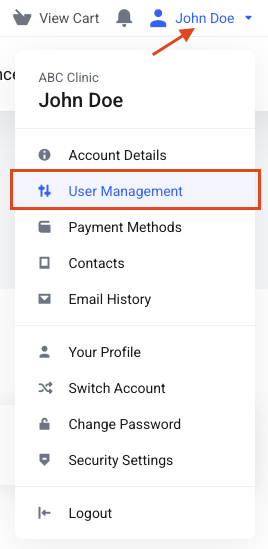
Click your name at the top right of the page. In the drop-down menu, click User Management.
Step 2: Invite the person
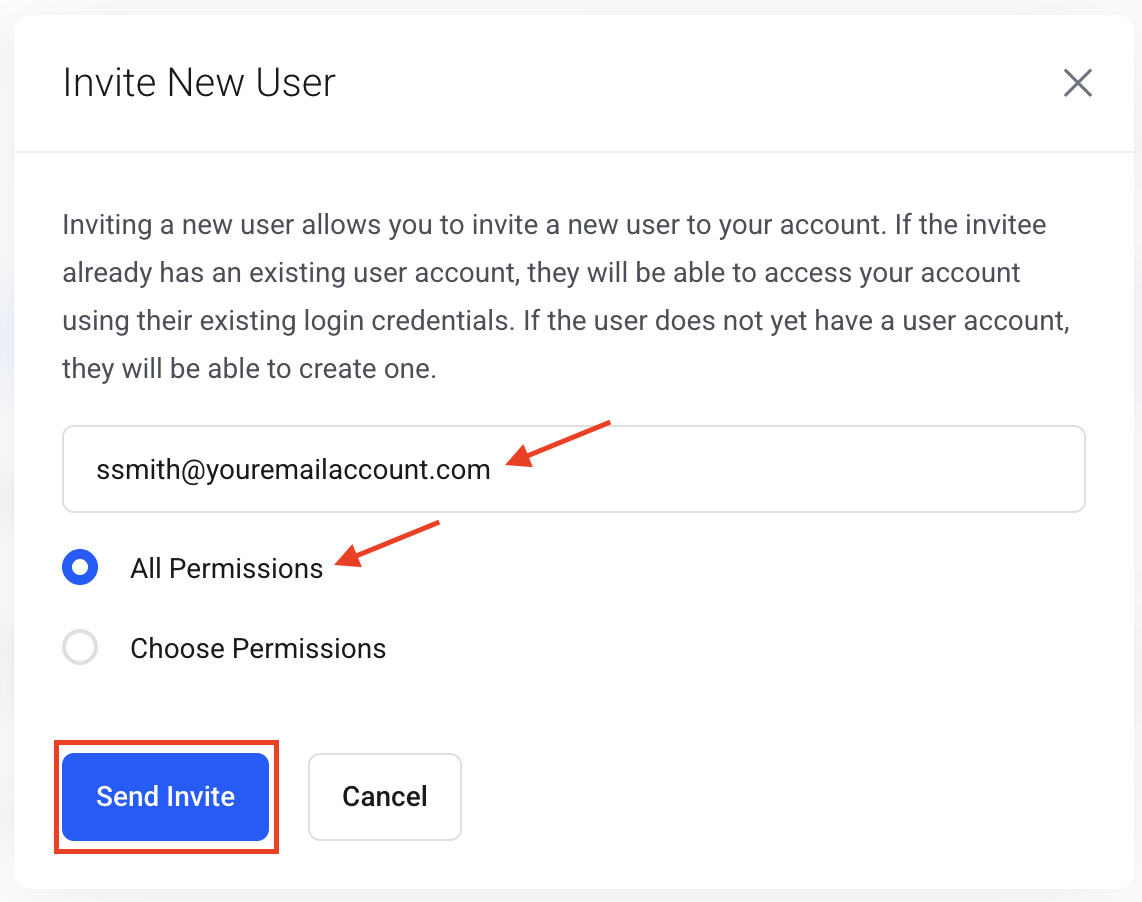
- Enter this person's Email Address.
- Select All Permissions or choose permissions.
- Click Send Invite.
Step 4: They set up access
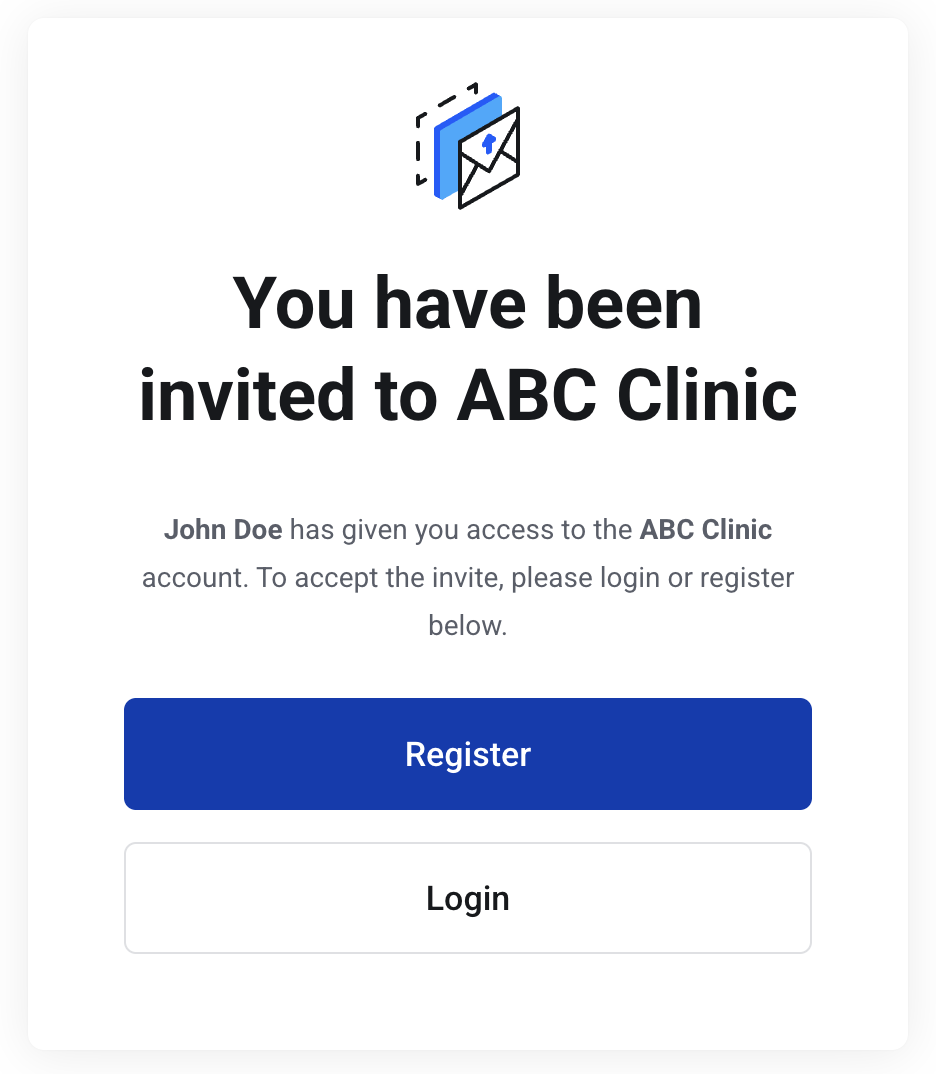
This person gets an email to set up access to My Account.
Step 5: Manage them later
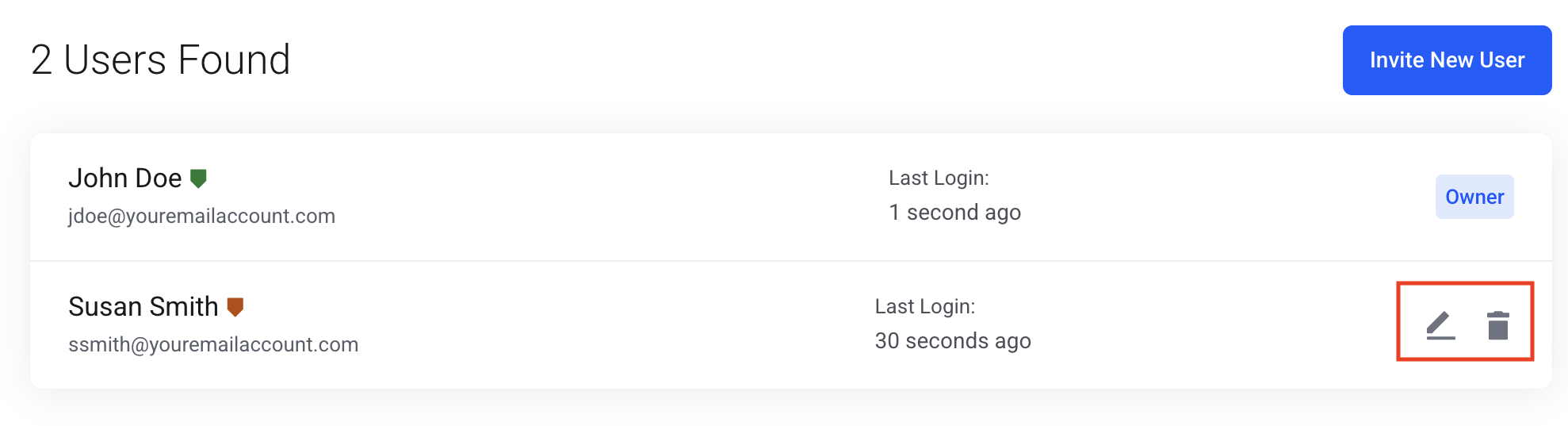
Once they are set up, they are listed here. Click the pencil to change permissions, or the trash icon to delete the administrator.