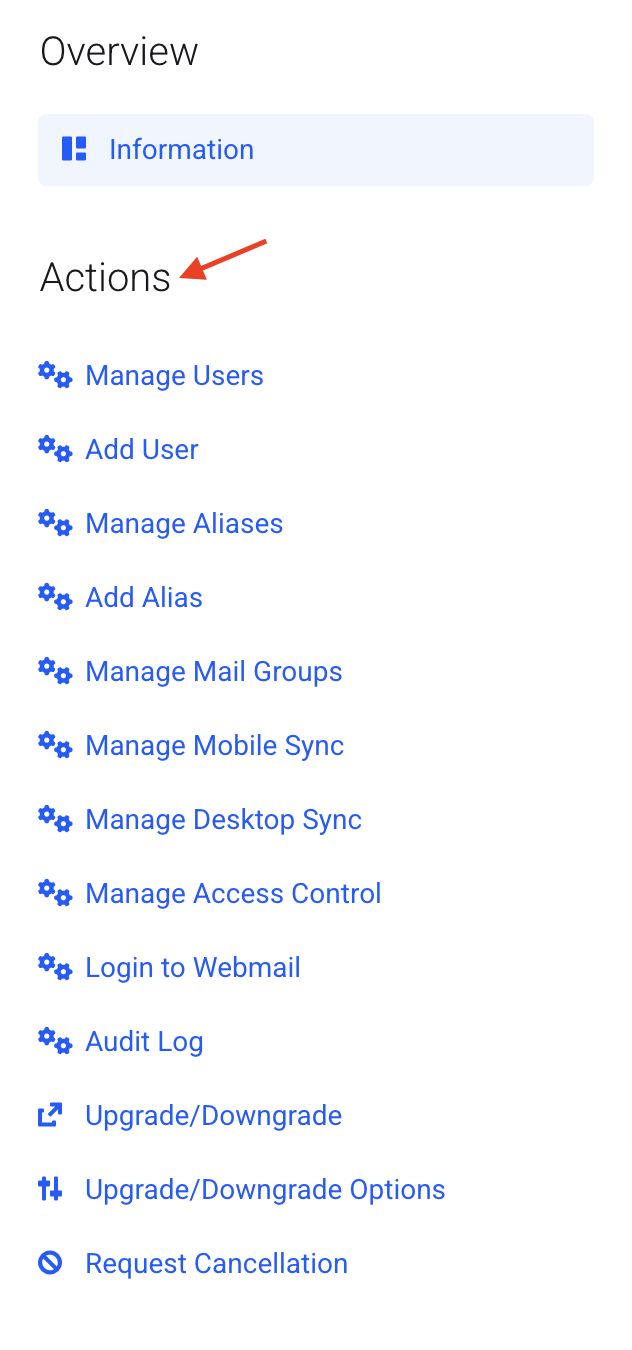
How to Get to Your Email Management Page
Get to the page where you manage your email accounts, in My Account.
This is where you add users, change passwords, set up aliases and more. There are two ways to get there. Use whichever is easier.
Option 1: From the Dashboard
- You land on My Dashboard when you log in.
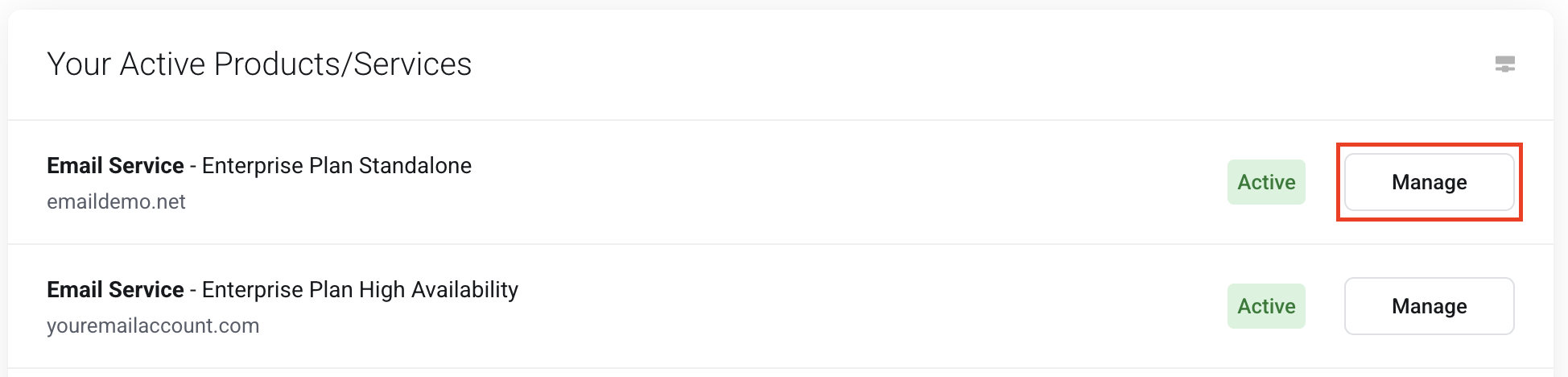
- Find Your Active Products/Services.
- Next to your domain name, click Manage.
Option 2: From the Services menu
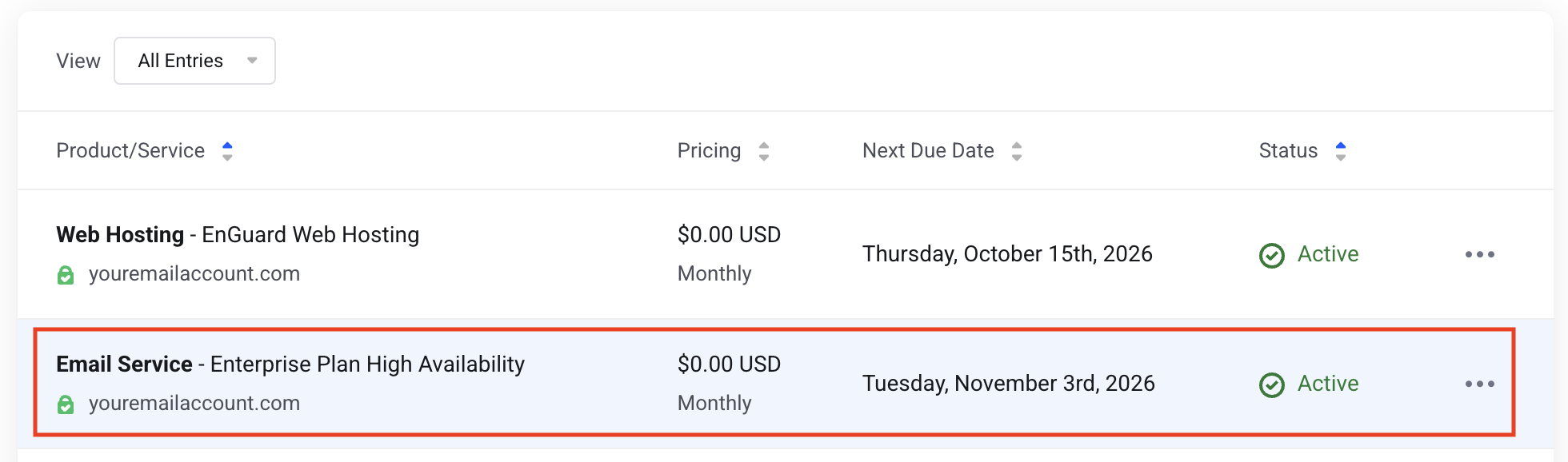
- Click the Services menu.
- Click your Plan / Domain Name.

You are in the right place when...
You see an Actions menu with options like Manage Users, Add User, Manage Aliases and Add Alias. This is your email management page.