Two-Factor Authentication
Turn on Two-Factor Authentication for My Account.
With Two-Factor Authentication, logging in to My Account takes two things: your My Account password and a verification code only you can get. You can use any free authenticator app on your mobile device, such as Google Authenticator, Microsoft Authenticator or Cisco Duo Mobile.
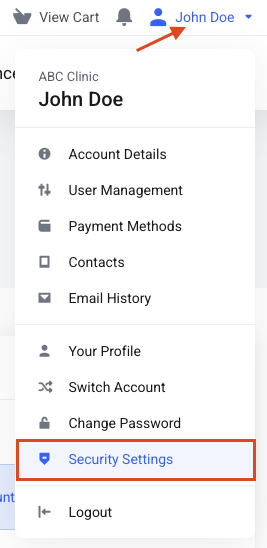
Step 1: Open Security Settings
Click your name at the top right of the page. In the drop-down menu, click Security Settings.
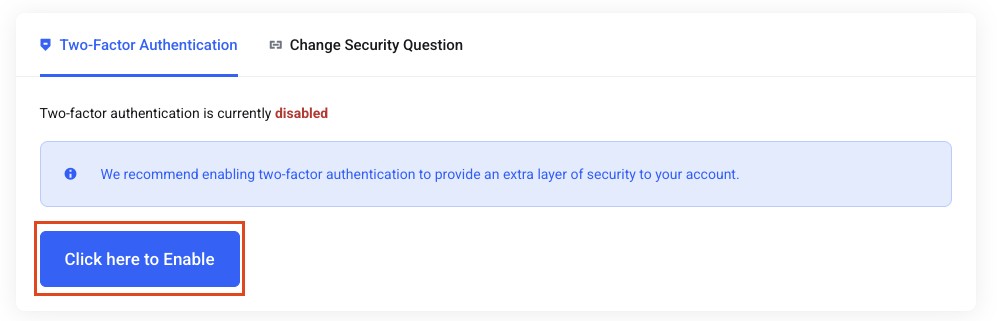
Step 2: Turn it on
Click the blue Click here to enable button.
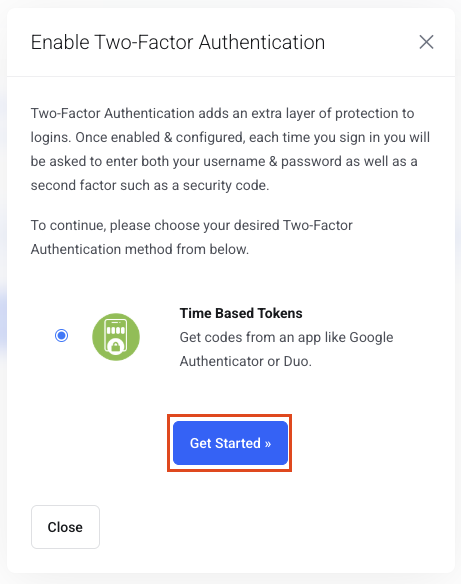
Step 3: Get started
Click Get Started.
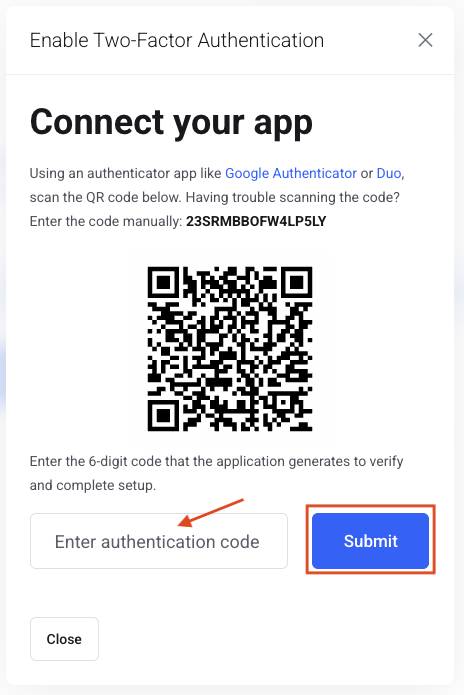
Step 4: Scan the QR code
Scan the QR code with your authenticator app, enter the code and click Submit.